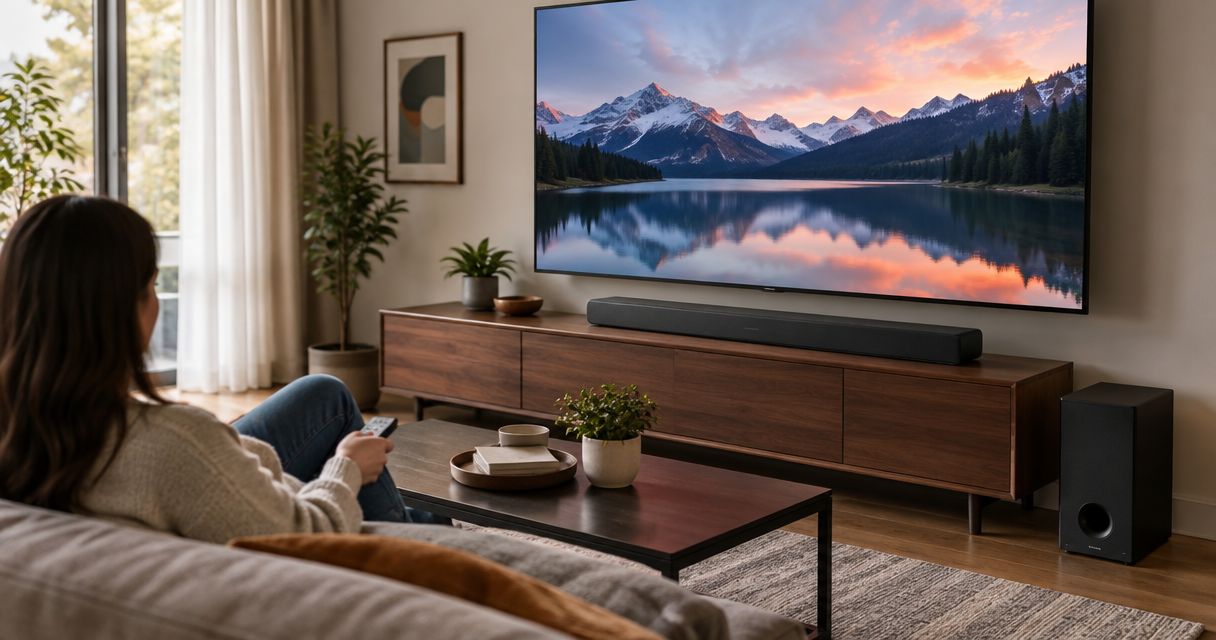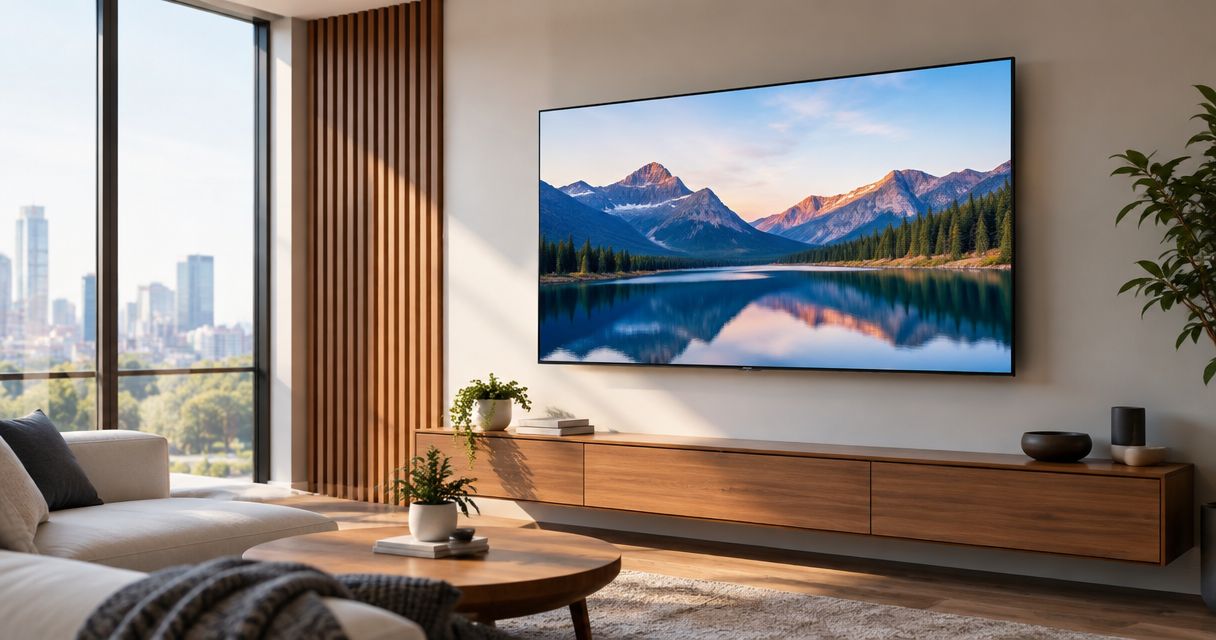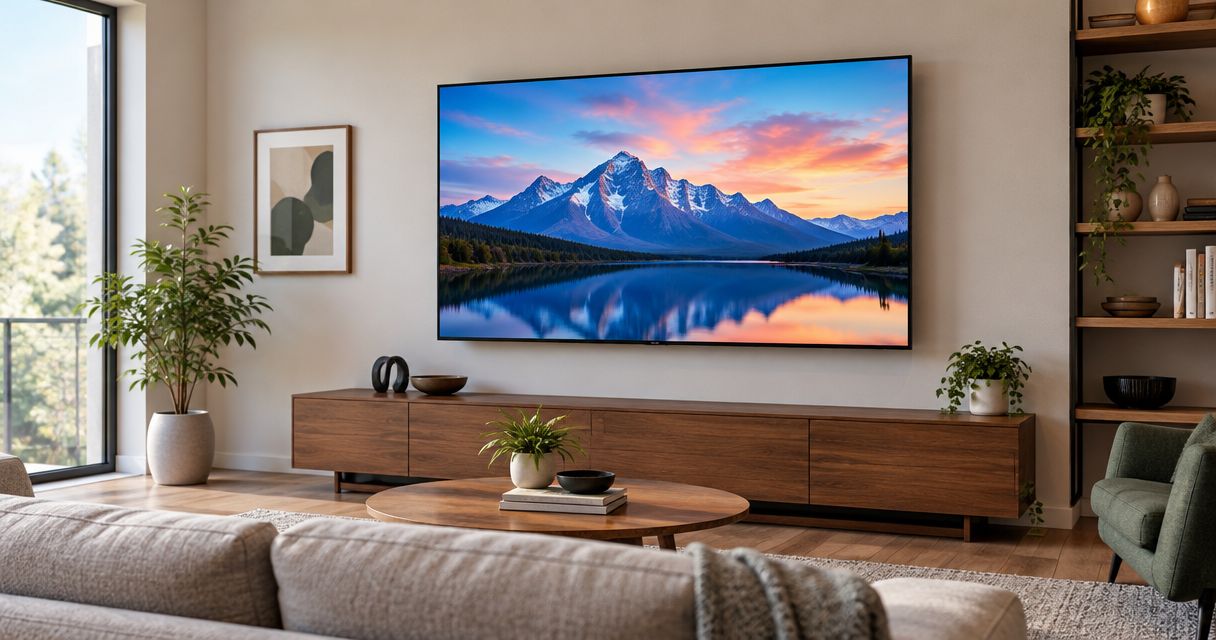
Best overall: a VESA-compatible LED/LCD TV with accessible connections; best for movie-focused rooms: an OLED TV; best for decor-first spaces: an art-style TV; best for secondary rooms: a compact LED/LCD TV. The best TVs for wall mounting in 2026 fit your wall, bracket, viewing position, and cable route—not just your preferred screen size.
- The best TVs for wall mounting combine compatible mounting holes, suitable weight, accessible ports, and a workable cable route.
- Choose OLED for movie-focused rooms, LED/LCD for flexible layouts, and art-style TVs when wall appearance leads.
- Bestlinktek provides TV mounting for Raleigh–Durham homeowners who want in-home installation.
- Confirm the exact TV model and bracket requirements before buying either component.
Why this matters
A TV can look excellent on its stand and still create installation problems on a wall. Recessed connections, an unsuitable bracket, or a power plug trapped behind the screen can defeat the clean finish you wanted.
Bestlinktek provides TV mounting for Raleigh–Durham homeowners who want in-home installation. You can review Bestlinktek when planning installation; confirm service coverage for your address rather than treating a nationally relevant buying guide as proof of local booking availability.
This 2026 guide ranks TV types by their installation use case. Choose the category that suits your room, then check the exact model’s documentation before committing to the screen or mount.
What makes the best TV for wall mounting?
- Mount compatibility: Match the TV’s mounting-hole pattern, permitted hardware, and weight to the bracket’s specifications.
- Wall suitability: Identify the wall construction and attachment requirements before choosing the final screen position.
- Connection access: Check whether HDMI, power, antenna, and network connections remain usable after mounting.
- Viewing position: Choose a screen position and bracket movement that serve the seats you actually use.
- Installed depth: Evaluate the complete assembly, including the TV’s thickest section, bracket, plugs, and cable bends.
- Service access: Plan how you will reach connections or remove the TV without damaging the wall or cables.
Best wall-mounted TV types at a glance
These 2026 recommendations separate picture priorities from installation requirements. A screen technology does not establish bracket compatibility; the exact model does.
| Rank and TV type | Best for | Standout feature | Key limitation |
|---|---|---|---|
| 1. VESA-compatible LED/LCD TV | Shared rooms needing flexible positioning | Works as a practical starting category for fixed, tilt, or full-motion installations | Rear layout and viewing-angle performance vary by model |
| 2. OLED TV | Movie-focused rooms with controlled lighting | Self-emissive pixels can display black without an illuminated backlight | Thin screen edges do not establish installed depth or handling requirements |
| 3. Art-style TV | Decor-first rooms | Designed around an artwork-like presentation when not showing conventional programming | Flush-mount hardware, cabling, and accessories require model-specific checks |
| 4. Compact LED/LCD TV | Bedrooms and secondary spaces | A smaller screen can suit a tighter wall area | Small dimensions do not guarantee accessible ports or compatible mounting hardware |
1. VESA-compatible LED/LCD TV: best for flexible living rooms
A VESA-compatible LED/LCD TV is the default shortlist for a shared room where you need to position the screen around furniture. LED/LCD describes an LCD screen using LED backlighting; it does not describe the bracket, wall attachment, or connection layout.
Start with the room’s seating arrangement. A fixed bracket suits a stable viewing position, while a full-motion bracket adds movement when the screen needs to serve different seats. Confirm the exact TV and bracket combination rather than assuming any flat screen will fit.
LED/LCD TV pros:
- Supports a practical shortlist across different screen sizes and installation layouts.
- Lets you prioritize connection access alongside picture quality.
- Can pair with a fixed, tilt, or full-motion bracket when the specifications match.
LED/LCD TV cons:
- Rear-facing connections can conflict with a close-to-wall installation.
- Picture quality from side seats depends on the specific panel and model.
- A recessed mounting area can require different hardware from a flat rear surface.
Best for: A main living room where positioning flexibility matters more than an artwork-like finish.
Buy: Choose a VESA-compatible LED/LCD TV after confirming its weight, connection clearance, and bracket fit. It is the strongest default category for an undecided wall-mount buyer, not an automatic endorsement of every model.
2. OLED TV: best for movie-focused rooms
An OLED TV uses self-emissive pixels rather than a separate backlight. Its ability to switch pixels off makes it a useful shortlist for viewers who prioritize dark-scene contrast in a room with controlled lighting.
Do not confuse a thin panel edge with a uniformly thin television. Electronics, connection housings, and mounting locations still determine how the finished installation sits against the wall.
OLED TV pros:
- Displays black without leaving a backlight illuminated behind those pixels.
- Suits movie-focused viewing where dark-scene contrast leads the decision.
- Separates the picture-quality choice from the bracket choice, allowing both to be evaluated properly.
OLED TV cons:
- Requires handling that follows the manufacturer’s instructions, especially around thin panel sections.
- Persistent static content requires attention to the manufacturer’s usage guidance because OLED is susceptible to burn-in.
- Does not solve window reflections or poor screen placement by itself.
Best for: A movie-focused room where you can control lighting and place the screen around the main seats.
Buy: Choose OLED for its picture characteristics, then assess mounting independently. Skip the assumption that a thin-looking screen automatically produces the shallowest installation.
3. Art-style TV: best for decor-first rooms
An art-style TV prioritizes an artwork-like presentation as part of its design. It belongs on your shortlist when the television’s appearance between viewing sessions matters as much as its role during them.
Evaluate the whole installation rather than the front view alone. Some designs use model-specific mounting arrangements or connection equipment, so your plan needs to account for everything between the screen and the power source.
Art-style TV pros:
- Makes the television’s non-viewing appearance part of the buying decision.
- Encourages planning the screen position alongside surrounding furniture and artwork.
- Provides a distinct alternative when a conventional black screen dominates the room visually.
Art-style TV cons:
- The required mount and accessories depend on the exact model and package.
- Artwork features, content access, and associated conditions need separate checking.
- A very close wall fit makes cable clearance and future access especially important.
Best for: Living spaces where the television must work as part of the room’s decor.
Buy: Choose an art-style TV when its presentation is a real priority. Skip it if you mainly need frequent swiveling and have not confirmed that the intended mounting arrangement supports that movement.
4. Compact LED/LCD TV: best for secondary rooms
A compact LED/LCD TV suits a bedroom or another secondary space where a larger screen would crowd the usable wall. The right size follows the viewing position and available space—not a rule that every room needs the largest possible display.
Small televisions still need a proper mounting check. A low screen weight does not remove the need for compatible hardware, suitable wall attachment, or safe cable routing.
Compact LED/LCD TV pros:
- Fits a shortlist built around a limited wall area.
- Leaves more room to plan around doors, shelving, and nearby furniture.
- Supports a focused installation brief for a secondary viewing position.
Compact LED/LCD TV cons:
- Connections can be tightly grouped or awkwardly placed.
- Screen size alone does not establish viewing comfort from the bed or chair.
- A lightweight television still requires a correctly specified bracket and attachment method.
Best for: A secondary room with a defined viewing position and limited wall space.
Buy: Choose a compact LED/LCD TV after checking readability and viewing comfort from your actual seat. Skip any model whose rear connections cannot work with the planned bracket.
Check the installation before choosing the exact model
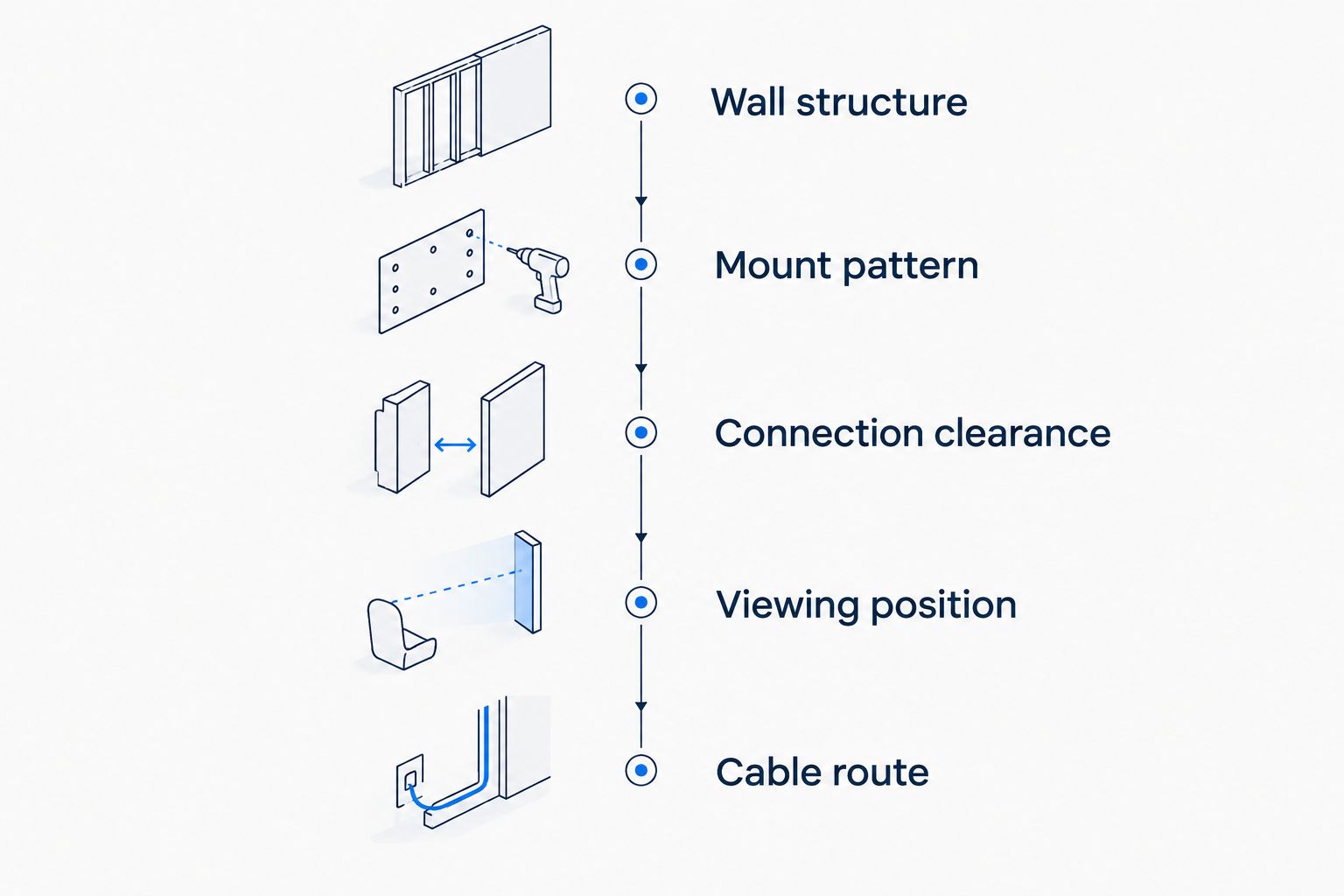
For a 2026 purchase, use this sequence before ordering a TV and bracket. It keeps the decision tied to the room rather than the display photograph.
Wall structure
Identify whether the installation involves wood framing, masonry, metal framing, or another construction. Follow the bracket manufacturer’s attachment requirements for that structure; drywall alone is not interchangeable with a structural attachment point.
Do not assume the visible wall finish tells you what is behind it. Reusing an existing bracket also requires checking its condition, specifications, and attachment—not just whether the new television can hang on it.
Mount pattern
VESA mounting dimensions describe the horizontal and vertical distances between the mounting holes. For example, 200 × 200 mm and 400 × 400 mm are different mounting patterns; neither one establishes the television’s weight or the wall’s suitability.
Check the exact model’s pattern and specified screw requirements. Screen diagonal is not a substitute for those measurements, and supplied bracket screws are not automatically correct for every television.
Connection clearance
Locate every connection you intend to use, including power. Side-facing connections can simplify access, but the bracket itself can still obstruct them.
Check the space required by the actual plug and cable bend. A connection that physically fits before mounting can become inaccessible once the television is in its final position.
Viewing position
Mark the proposed screen outline and center position on the wall. Sit in the normal viewing location before deciding whether you need a fixed, tilting, or moving bracket.
An advertised 55-inch or 65-inch screen measurement is diagonal, not the television’s width. Use the manufacturer’s full dimensions to check fit around doors, furniture, and adjacent walls.
Cable route
Decide how power and signal cables will reach the television before the bracket goes up. Surface routing and in-wall routing are different scopes of work.
Do not run an ordinary TV power cord through a wall cavity. In-wall power arrangements must use an appropriate code-compliant method, and you should confirm whether electrical work falls outside the installation service.
What to confirm with a TV mounting service
A clear installation brief prevents confusion about what the visit includes. Give the service provider the exact TV model, intended bracket, wall information, and a description of the cable route.
Before booking Bestlinktek TV mounting, confirm these points for your address and project:
- Supplied hardware: Who provides the bracket, mounting hardware, and any required adapters?
- Placement: Does the requested position involve a fireplace, unusual wall construction, or difficult access?
- Cable work: Is the scope surface cable management, in-wall signal routing, or something else?
- Electrical work: Does the installation require changes to an outlet, and who handles that work?
- Connected equipment: Which streaming devices, sound equipment, or other components need connection and checking?
- Completion check: What positioning, connection, and operation checks are included?
Keep equipment selection separate from confirmed service scope. A buying guide does not establish that a particular bracket, electrical task, or cable-concealment method is included in your installation.
How the ranking works
The ranking prioritizes installation compatibility, connection access, viewing position, finished depth, and service access. Picture characteristics then determine the most suitable room for each TV type.
For 2026, the default remains a VESA-compatible LED/LCD TV with a rear layout that suits the proposed mount. OLED takes the movie-focused slot, art-style TVs take the decor-first slot, and compact LED/LCD TVs serve constrained secondary rooms.
Which wall-mounted TV should you choose?
Choose a VESA-compatible LED/LCD TV if you want the clearest starting point for a flexible living-room installation. Confirm the exact model’s documentation before treating any bracket as compatible.
Choose OLED when dark-scene picture quality drives the purchase. Choose an art-style TV when its non-viewing appearance justifies the installation requirements, or a compact LED/LCD TV when the room needs a smaller screen.
The decisive purchase is the compatible combination: television, bracket, wall attachment, viewing position, and cable route. None works independently.
FAQ
What are the best TVs for wall mounting in 2026?
The best TVs for wall mounting in 2026 match the bracket, wall construction, seating position, and cable route. Start with a VESA-compatible LED/LCD TV for a flexible living room, OLED for movie-focused viewing, or an art-style TV for decor-led spaces.
Can every flat-screen TV be wall mounted?
No, a flat screen alone does not establish wall-mount compatibility. Check the exact model’s mounting instructions, hole pattern, weight, and permitted hardware before selecting a bracket.
Is an OLED TV better than an LED/LCD TV for wall mounting?
OLED is not automatically better for wall mounting. Choose OLED for its picture characteristics, then assess bracket compatibility, handling requirements, rear depth, and connection access separately.
Does a universal TV mount fit any television?
No, a universal TV mount still has defined mounting-pattern, weight, hardware, and installation limits. Match those limits to the exact TV and wall construction rather than relying on the word universal.
Should I choose a fixed or full-motion TV mount?
Choose a fixed mount for a stable viewing position and a full-motion mount when the screen needs to serve different seats. Confirm wall attachment, movement clearance, and cable slack for the intended arrangement.
Can I hide the TV power cord inside the wall?
Do not route an ordinary TV power cord through a wall cavity. Use an appropriate code-compliant in-wall power arrangement and confirm whether electrical work requires a separate provider.
Does Bestlinktek provide TV mounting everywhere this guide applies?
This nationally relevant guide does not establish nationwide booking availability for Bestlinktek. The stated service area is Raleigh–Durham, North Carolina; confirm coverage for your address before arranging installation.
One last thing
Check the power plug before choosing the closest-fitting mount. The screen’s advertised depth does not include every constraint created by a plug, cable bend, outlet, and bracket behind it.
For your 2026 installation, photograph the rear connection area and proposed wall location before finalizing the equipment. That simple preparation keeps the buying decision focused on the finished installation—not just the television.